Reports
one-click export
iOS app for drivers and teams
ExpenseTrail detects trips automatically, stores distance, separates business and personal rides, and generates ready reports with CSV, PDF, GPX, and XLSX export.
Available on the App Store.
Limited App Store promotion
Get 3 months of Premium free with code FREE90
Join drivers and teams who want accurate mileage logs without admin work. Unlock premium automation, faster classification, and export-ready reports from day one.
Redeem FREE90 to activate 3 free months of Premium for a limited time.
Popular search terms
Current distance
42.80 km Business tripone-click export
full trip timeline
Features
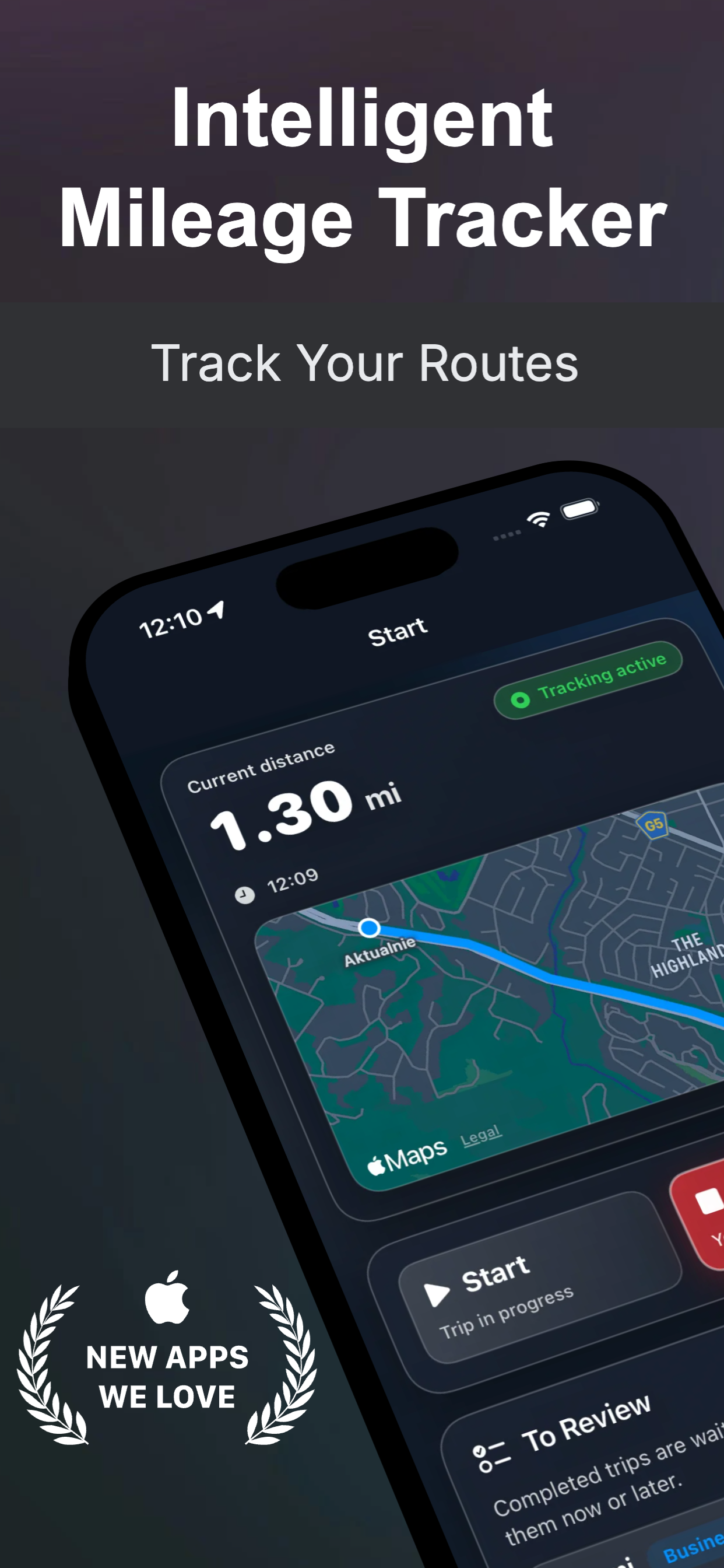
Start on movement, Bluetooth, USB, or CarPlay. Stop after idle.
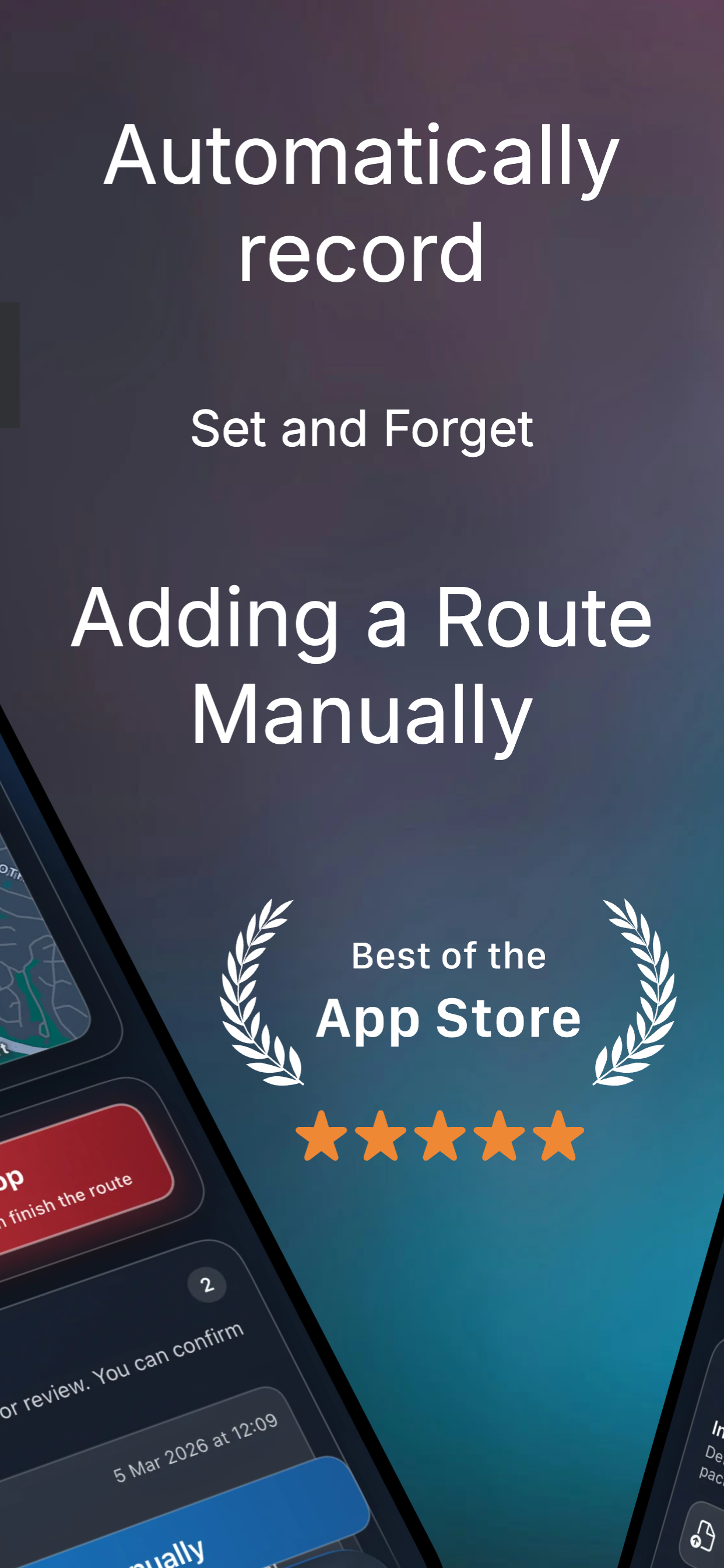
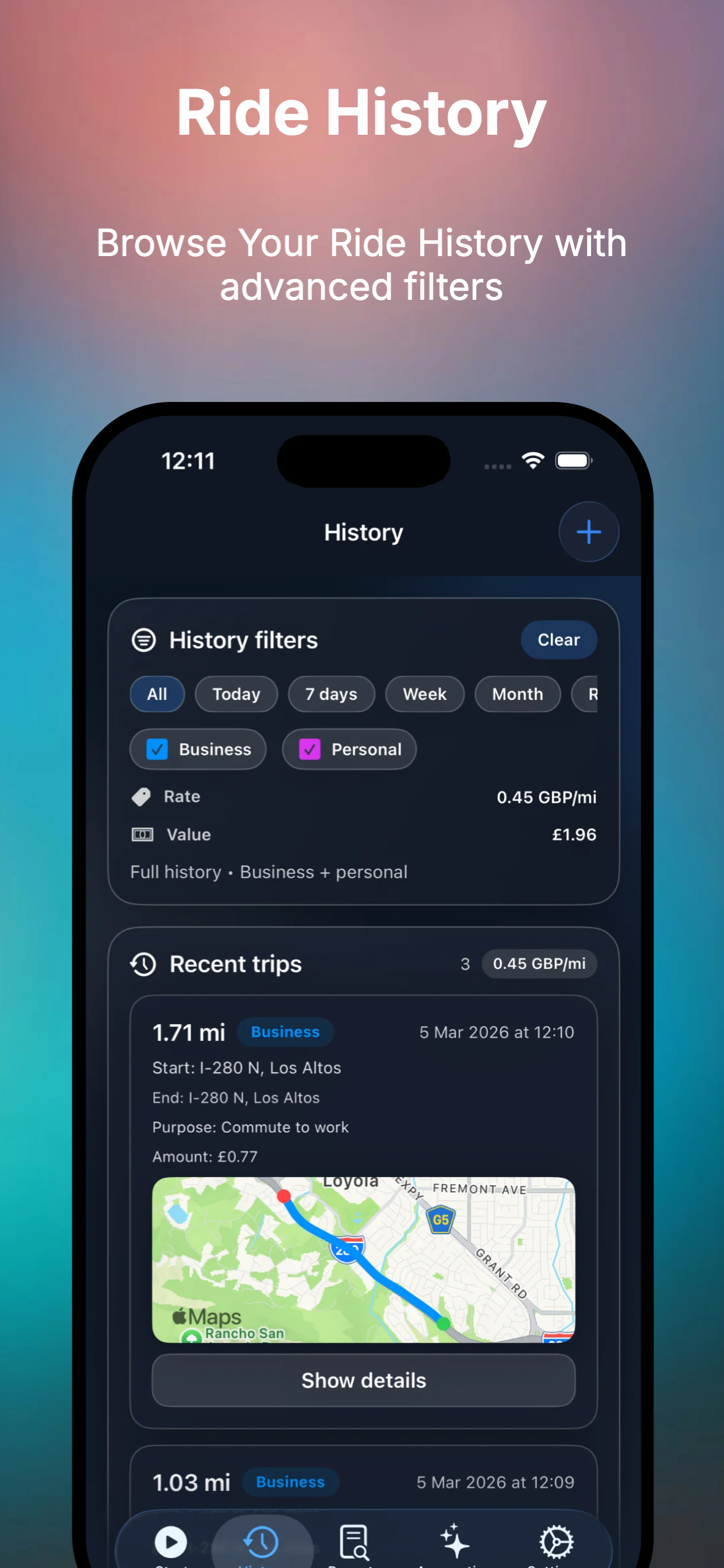
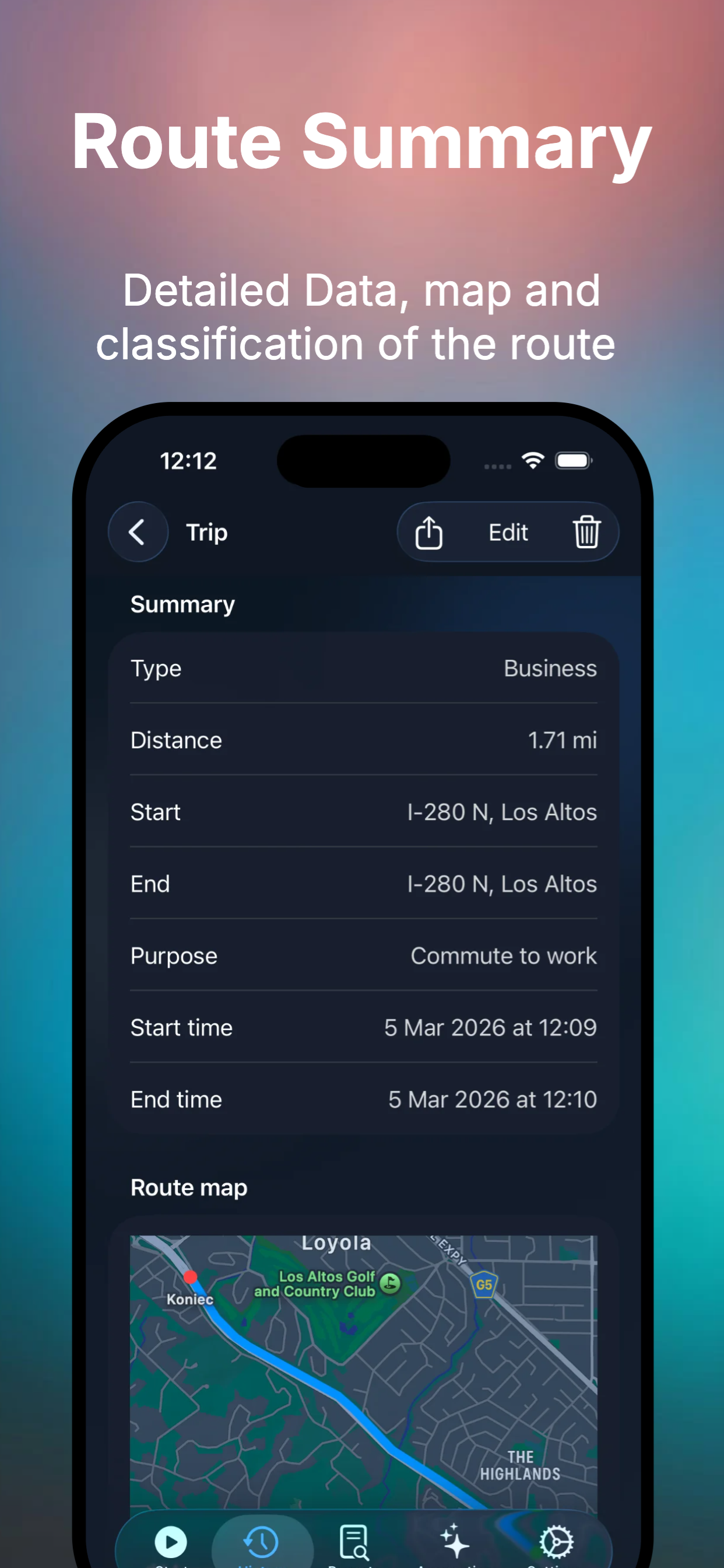
Add or fix trips by address or map whenever needed.
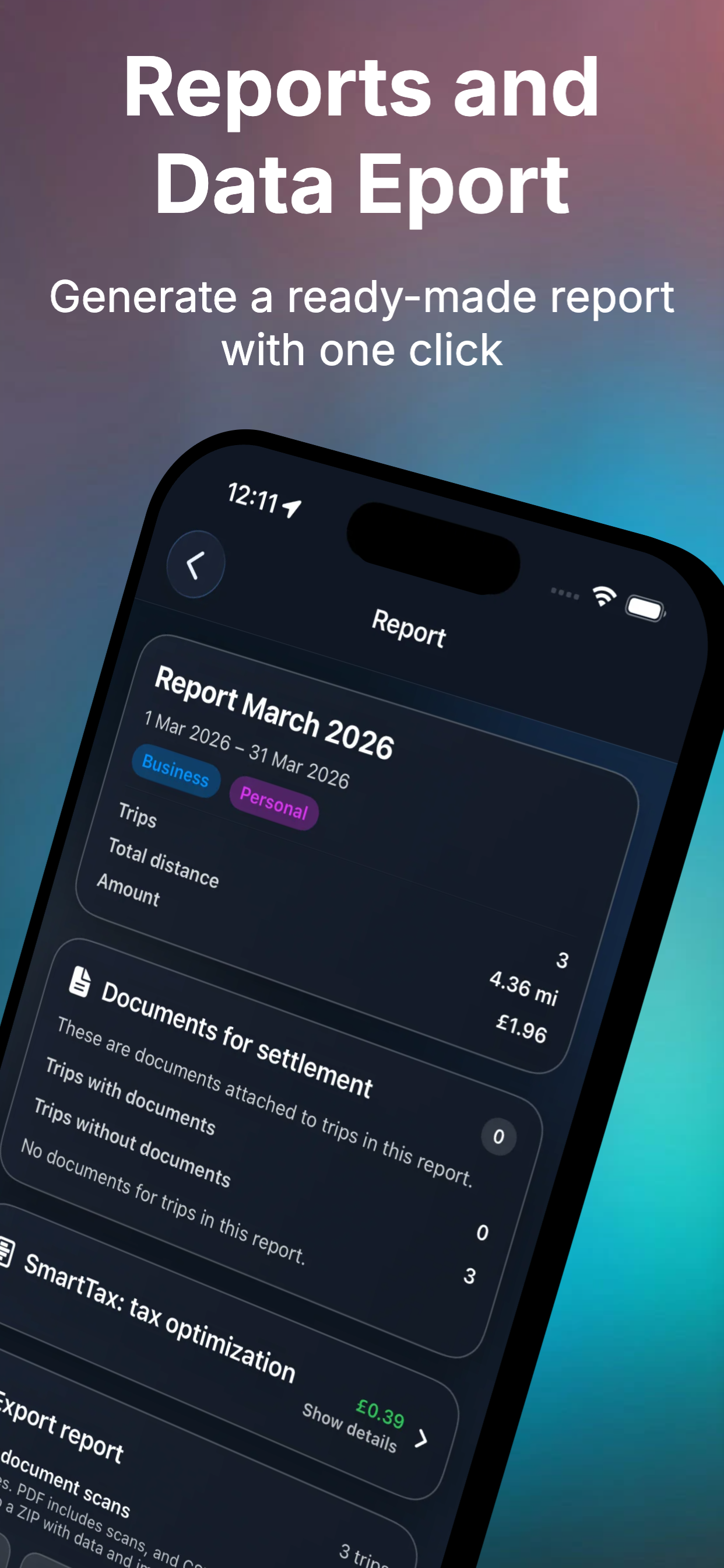
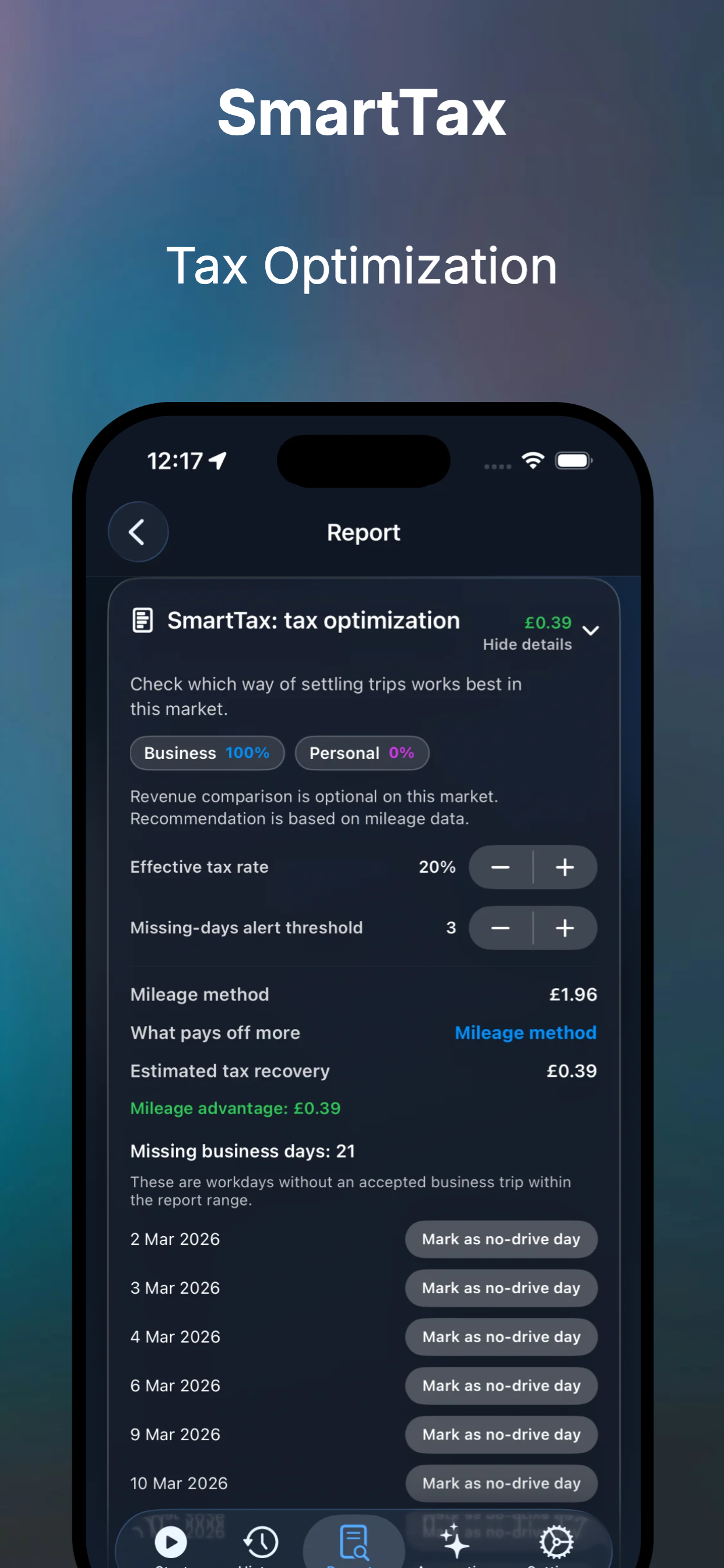
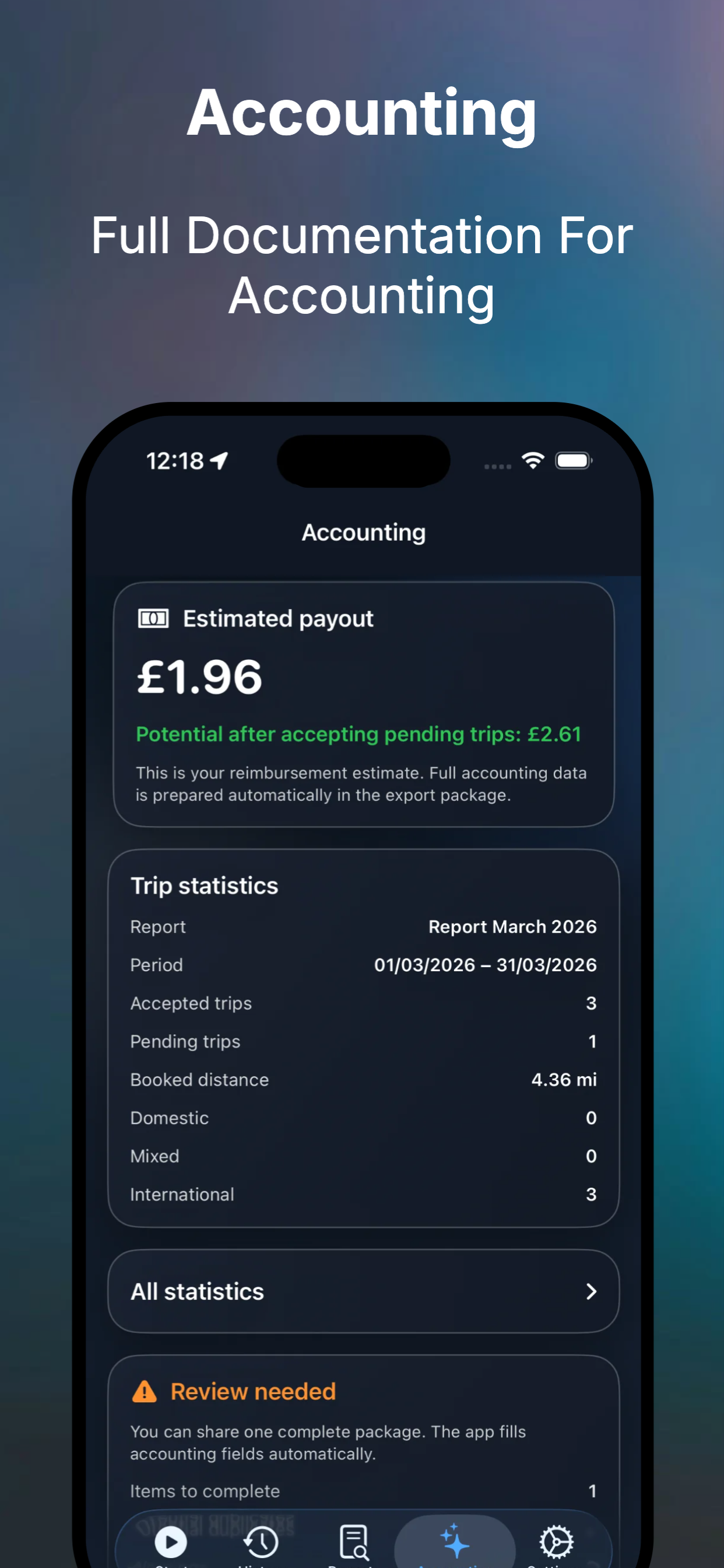
Generate period reports and export to CSV, PDF, GPX, and XLSX.
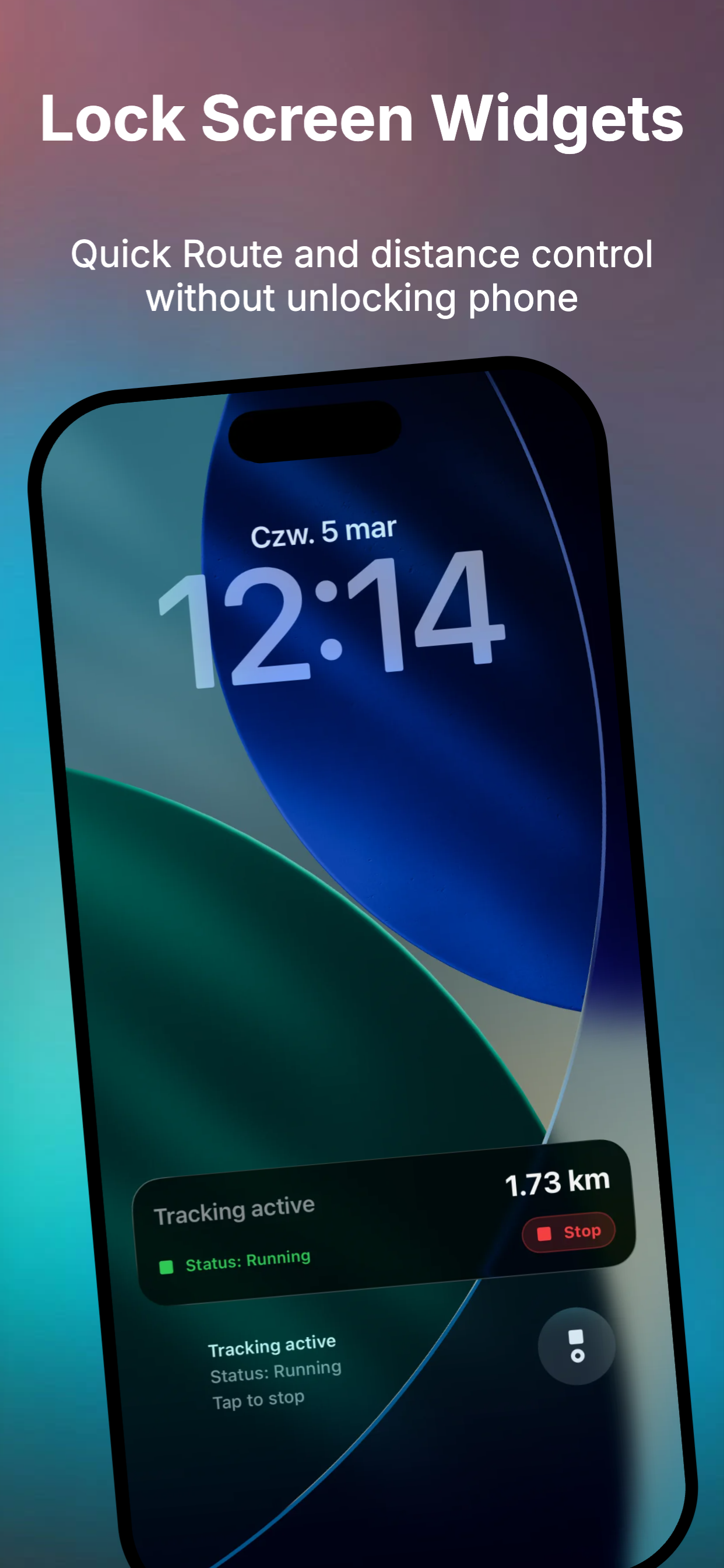
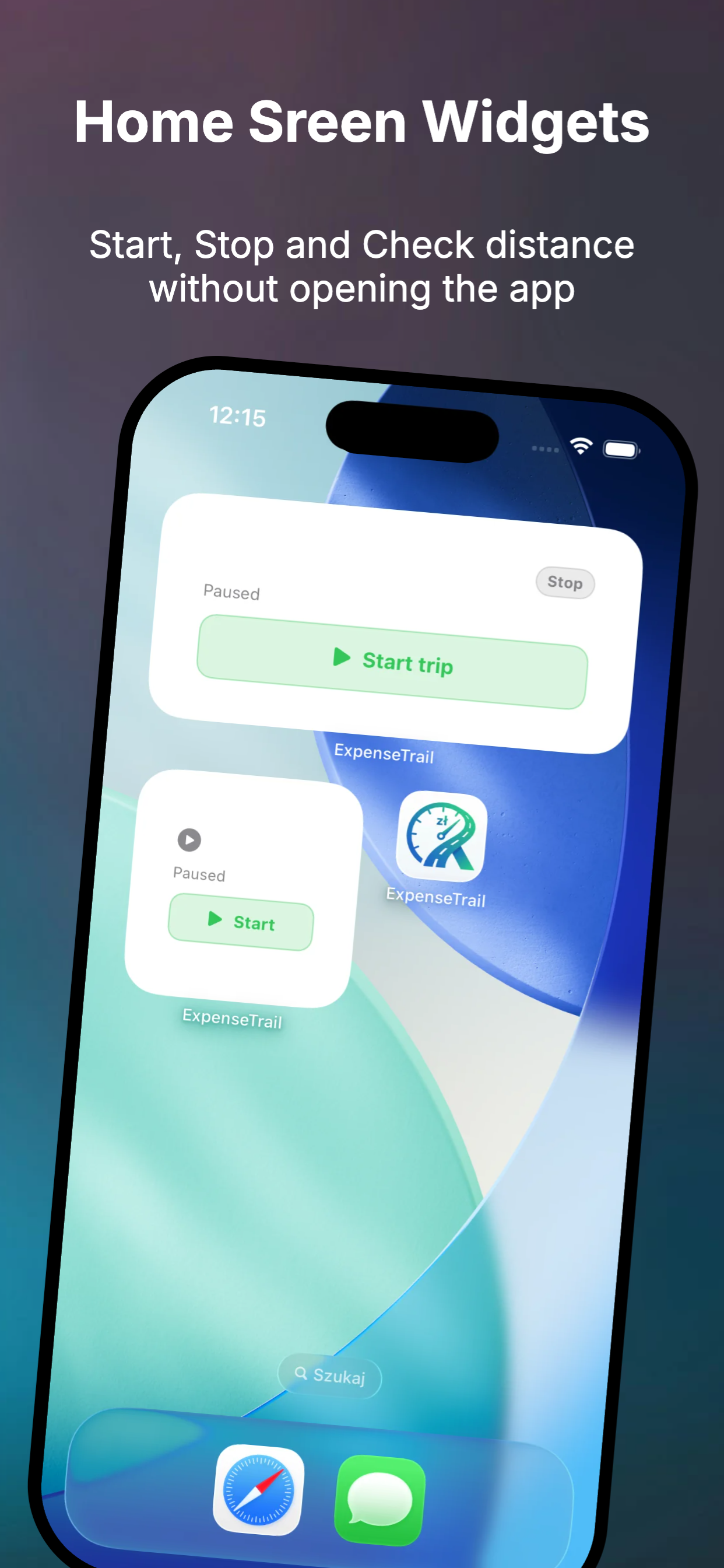
Track status and start/stop without opening the app.
Optional cloud backup and restore in private CloudKit space.
Start free and unlock advanced automation as your team grows.
Top-rated by drivers and teams
Fast setup, less admin, and export-ready mileage logs for day-to-day work.
Representative feedback paired with product usage benchmarks.
Short reviews from different real-world mileage workflows.
Auto trip detection runs quietly in the background. At month-end I export one clean mileage report instead of rebuilding routes from memory.
Johnny W.
Independent consultant
The lock screen and Home Screen widgets make it easy to start, stop, and classify trips before anything is missed.
Anna K.
Regional sales rep
Our team finally uses one consistent format for business mileage. Finance gets cleaner data and reimbursements are faster.
Marc D.
Field service lead
The accounting and SmartTax views turned mileage tracking into a process my bookkeeper can review without follow-up questions.
Sophie R.
Founder and operator
Product previews
Screen previews for setup, active trips, and reports.
Blog
For years, mileage tracking was viewed purely as a defensive chore—a tedious necessity to keep the tax authorities happy. But what if the location data your phone already collects could…
Do you dread the end of the month because it means chasing down your employees for their mileage logs? Dealing with messy, rounded-up, or late expense reports creates unnecessary tension in…
Are you hesitant to add another monthly software subscription to your business expenses? When it comes to a mileage tracker app, you really shouldn't be. Discover how replacing your manual…
Keep forgetting to log your miles and panic-reconstructing routes at the end of the month? Keeping a mileage logbook doesn't have to be a nightmare. Meet ExpenseTrail—an iPhone app that does…
Privacy policy
Last updated: February 15, 2026
The controller is the owner of ExpenseTrail. Privacy contact: admin@expensetrail.org.
Trip location data, timestamps, distances, entered addresses, trip purpose, and settings required for reports.
Data is used to track trips, prepare reports, generate exports, and keep automation features working.
Data is stored locally on the device. Optional iCloud backup uses the user private CloudKit account.
Data is not sold. Sharing occurs only when the user explicitly exports or shares a file.
Users can manage permissions, delete trip history, and request support in privacy-related matters.
Data is retained until deleted by the user or removed with app uninstall, including user-managed backups.
This policy may change as the app evolves. The latest version is always published on this page.
Support
Contact us for onboarding, imports, reports, auto-start setup, and subscription questions.
iOS setup, reports, exports, iCloud backup, billing
Yes. Trip tracking and history work locally. Internet is needed for iCloud backup or purchases.
Yes. You can update addresses, distance, purpose, and trip type after finish.
Enable Always location permission and turn on auto-start settings in the app.